---
title: "Mobile Tip: It’s Easy to Add a Foreign Language Keyboard to Your Phone!"
description: It's easy to install a foreign language keyboard on your phone. Now having conversations in languages other than English is a lot easier!
image: https://blog.freedompop.com/hubfs/freestocks-mw6Onwg4frY-unsplash.jpg
---
[Skip to content](https://blog.freedompop.com/blog/mobile-tip-its-easy-to-add-a-foreign-language-keyboard-to-your-phone#main-content)
[.png?width=300&height=62&name=FreedomPop-Logo@2x%20(2).png "FreedomPop-Logo")](https://www.freedompop.com/)
- [PLANS](https://www.freedompop.com/plans)
- [SHOP](https://www.freedompop.com/shop)
- [ACTIVATE](https://www.freedompop.com/activate)
- [COVERAGE](https://www.freedompop.com/coverage)
- [MY ACCOUNT](https://www.freedompop.com/user/account)
- [HELP](https://www.freedompop.com/contact-us)
# Mobile Tip: It’s Easy to Add a Foreign Language Keyboard to Your Phone!

[FreedomPop November 12, 2024](https://blog.freedompop.com/blog/author/freedompop)
- [iPhone](https://blog.freedompop.com/blog/tag/iphone)
- [mobile tips](https://blog.freedompop.com/blog/tag/mobile-tips)
- [Android phone](https://blog.freedompop.com/blog/tag/android-phone)
- 2 mins
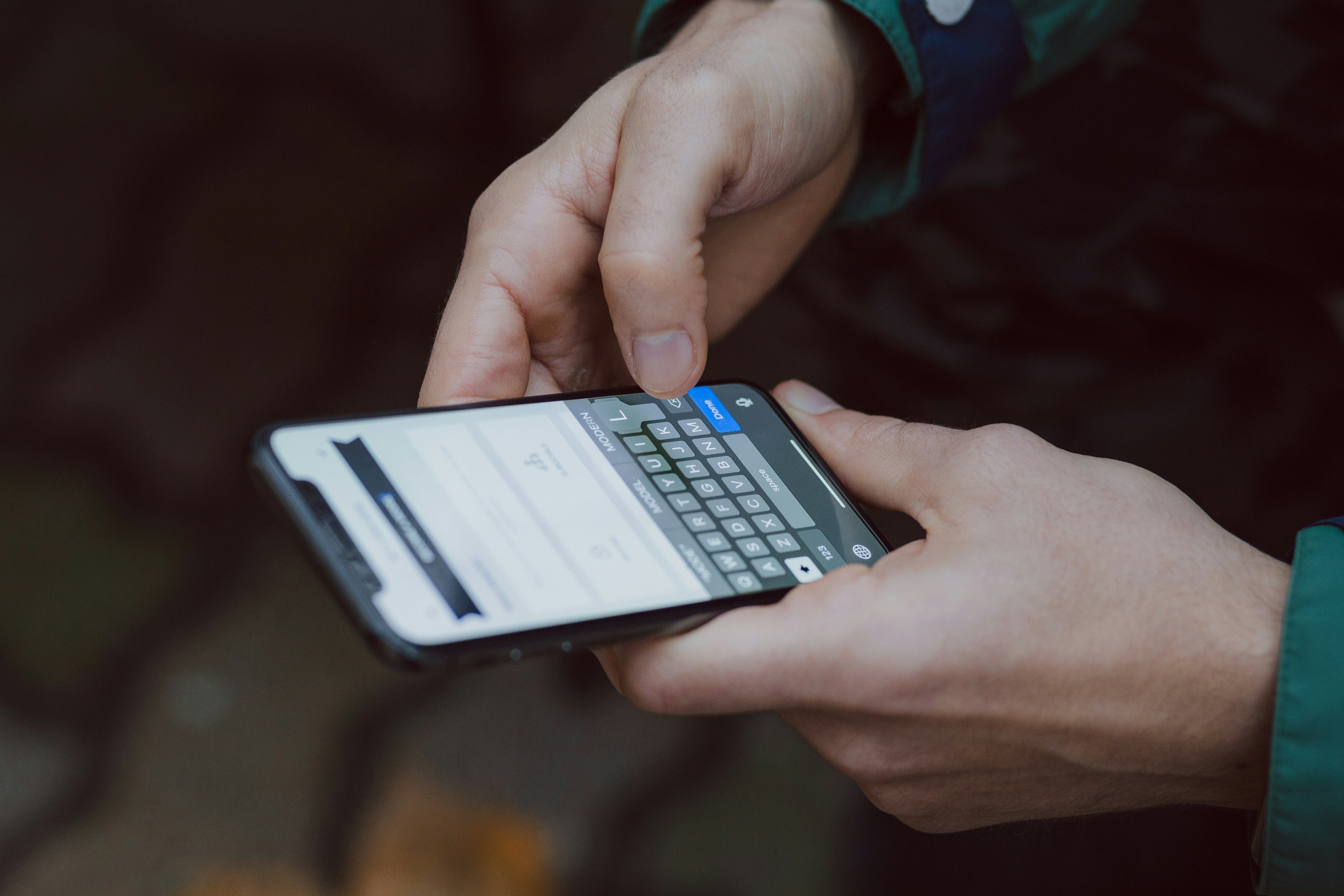
Did you know? It’s easy to set up a foreign language keyboard on your phone to type in any language you want! No matter what language you’re trying to write in—whether it's Spanish, French, Japanese, or something else—you can have all the characters you need right at your fingertips.
### **Why Add a Foreign Language Keyboard?**
Adding a foreign language keyboard is a fantastic tool if:
- You’re learning a new language and want to practice.
- You like texting friends and family in their native language.
- You’re traveling and want to communicate more easily with locals.
A foreign language keyboard can make typing in that language a lot easier, because special characters we don’t use in English are already included. No more hunting for symbols or using separate apps!
### **How to Add a Foreign Language Keyboard (It's Simple!)**
Setting up a new language keyboard is easier than you might think. Here’s how to do it:
**For iPhone Users:**
1. Go to Settings -> General Settings -> Keyboard.
2. Select **Keyboards**, then tap **Add New Keyboard.**
3. Scroll through the list and pick the language you want to add.
4. Once it’s added, you can switch between keyboards by tapping the globe icon on your keyboard when you’re typing.
**For Android Users:**
1. Go to Settings -> System or General Management -> Language & Input.
2. Tap on **On-Screen Keyboard** or **Virtual Keyboard.**
3. Choose your current keyboard and select **Languages**. Pick the one you want to add.
4. When you’re typing, press the globe icon or space bar to change languages.
### **Some Useful Things You Can Do With a Foreign Language Keyboard**
1. **Auto-Correct and Suggestions**: The keyboard will recognize words and give you suggestions in that language, which is super helpful for spelling.
2. **Special Characters and Accents**: You get access to all the special characters that language needs. For example, Spanish has accents like á and French has ç.
3. **Voice Typing**: Some keyboards even allow voice typing in different languages!
So go ahead and give it a try! Adding a foreign language keyboard makes it easier to talk to people in languages that aren’t English. Who knows–it might open up a whole new world of possibilities right at your fingertips.
Ready to upgrade your phone before you add new language keyboards? [Take a look at what's on offer in our shop.](https://freedompop.com/shop)

### FreedomPop
FreedomPop is America's #1 Cell Service for Seniors. With affordable no-contract plans, human-led customer care, and a simple switching process, FreedomPop is the only cell service truly designed to help seniors connect.
[mailto:fcbello@gmail.com](mailto:fcbello@gmail.com)
[.png?width=300&height=62&name=FreedomPop-Logo@2x%20(2).png "FreedomPop-Logo")](https://www.freedompop.com/)